

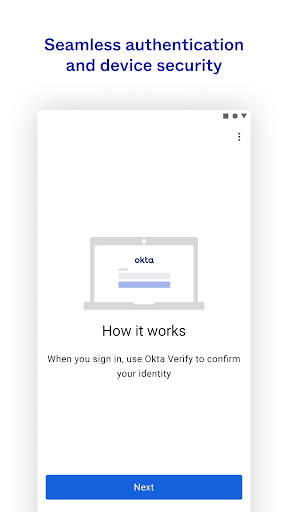
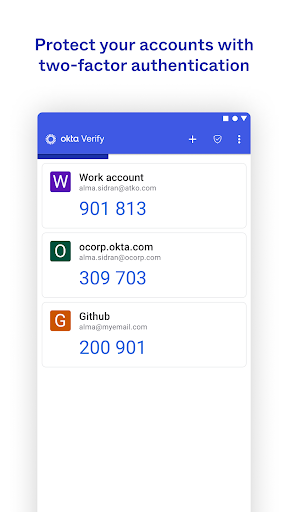
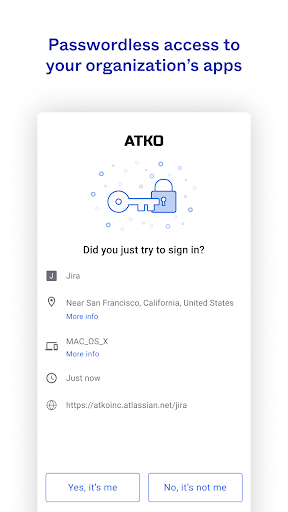
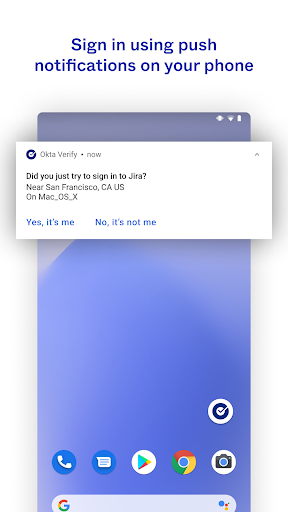
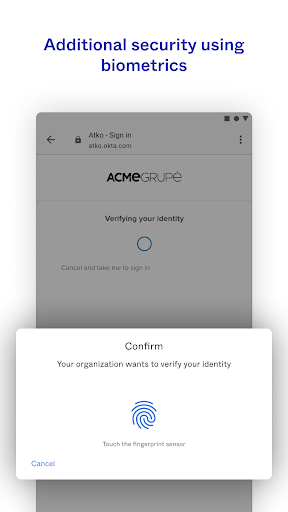
Okta Verify is a lightweight app designed to enhance the security of your online accounts by implementing 2-step verification. It allows you to securely access your various applications, ensuring that only you can sign into your app accounts. When you initiate a sign-in to one of your apps, Okta Verify provides several methods to complete the second step of verification, including push notifications sent directly to your device, a temporary 6-digit code, or biometrics, depending on what your organization has enabled.
Methods for Identity Verification
The app’s primary function is to offer flexible methods for identity verification during the sign-in process. Users can choose to confirm their identity by responding to a push notification sent to their device, provided this feature is enabled by their organization. Alternatively, a temporary 6-digit code can be generated within the app for manual entry. For organizations that support it, biometric authentication is also available as a verification option. These methods collectively aim to provide a secure layer over your app access.
Device Enrollment and QR Code Scanning
To begin using Okta Verify, you must enroll your device. This process typically involves scanning a QR code. The app will request permission to use your device’s camera specifically for this purpose, allowing you to scan the QR code presented during the enrollment setup. This one-time setup links your device to your Okta account, enabling the 2-step verification methods for future sign-ins.







Write a review